Change password
Change the Backup password — and what it means for the backup clients on your servers and for encrypted backups.
Here you change the password for your backup account. Read the warnings on the page first: the password is the same for all your servers.
Requires the administrator or owner role. Open the page with Change password in the Sign-in card on the overview.
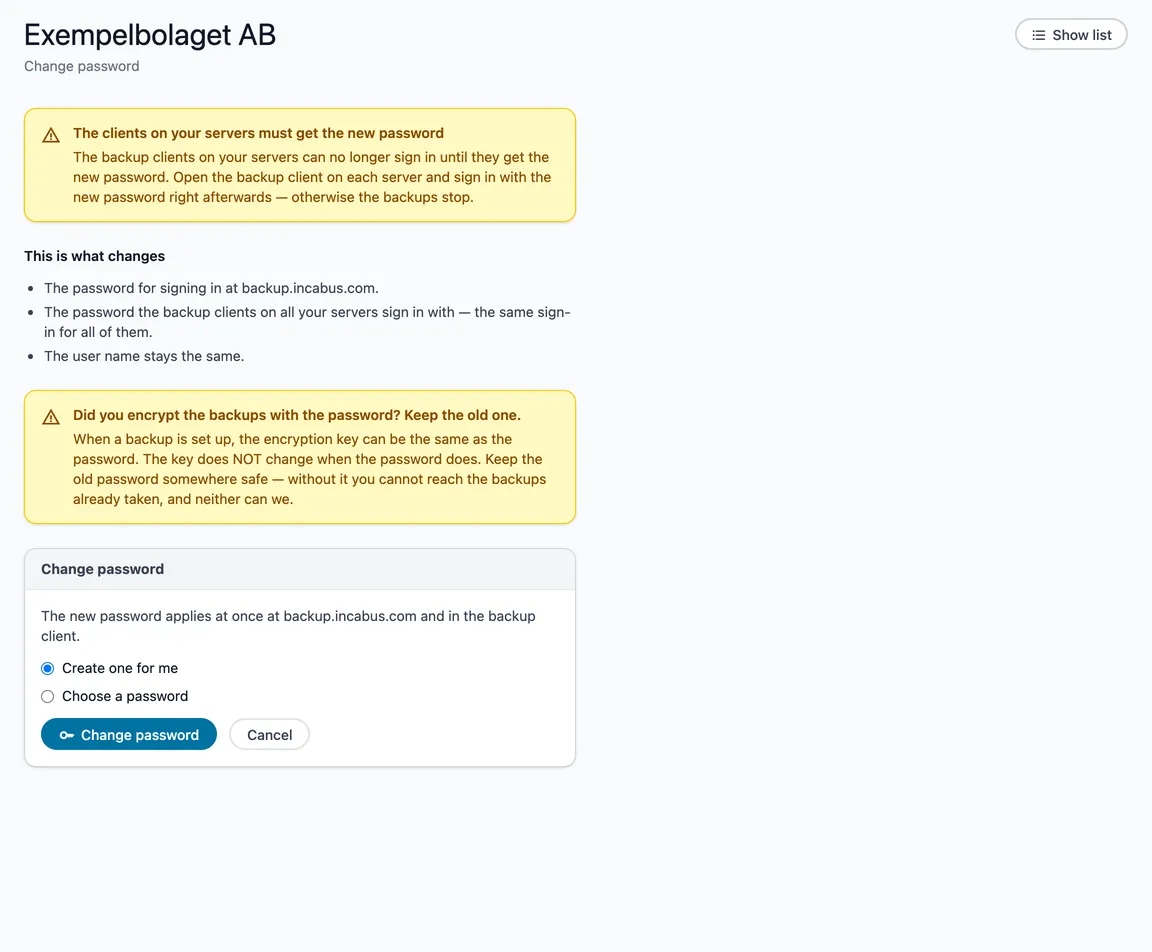
This is what changes
- The password for signing in at backup.incabus.com.
- The password the backup clients on all your servers sign in with.
- The user name stays the same.
The backup clients can no longer sign in until they get the new password. Open the backup client on each server and sign in with the new password straight away — otherwise the backups stop.
Have you encrypted the backups with the password?
When a backup is set up, the encryption key can be the same as the password. The key does not change when the password does. Keep the old password somewhere safe — without it you cannot reach the backups already taken, and neither can we.
Change it
Choose Create one for me, or Choose a password and type it twice (at least 12 characters). The eye shows what you type. Choose Change password and confirm.
If we created the password, it is shown once, with a button that copies it. Save it then — it is not shown again.