Connected accounts
Link Microsoft, Google or GitHub to your account so you can sign in with them.
Connecting Microsoft, Google or GitHub lets you sign in by choosing the matching Continue with… button instead of typing a password.
It is the same Incabus account either way. Connecting does not create a second one, and it does not give Microsoft, Google or GitHub access to anything of yours here.
Connecting adds a way in — it does not close the others. Your password and two-factor authentication keep working exactly as before, so they still protect your account and still need to be kept in good order. If you would rather not be able to sign in with a password any more, remove the password rather than assuming the connection replaced it.
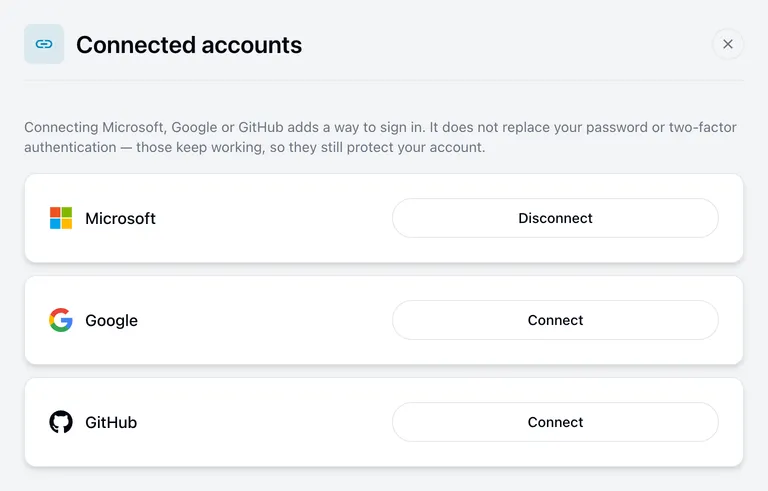
Connecting
Choose Connect next to the one you want. You are taken there to sign in, and returned here afterwards. The row then shows Disconnect.
The email address on the account you connect should be the same one you use here. If it is not, we cannot always tell that it is you, and the connection may be refused.
Disconnecting
Choose Disconnect. Your other ways of signing in are unaffected.
Before you do, make sure you have another one — a password you remember, or the other provider still connected. If you disconnect your only way in you will be locked out and will need our help to get back.
Disconnecting does not remove your two-factor authentication either. If you set it up before connecting, it is still there and still applies when you sign in with your password.
Which one should I use?
Whichever your organisation already uses. If your work email is Microsoft 365, Continue with Microsoft means one less password to remember, and your existing security requirements apply automatically.
If Microsoft, Google or GitHub is your only way of signing in, the extra sign-in step is handled by them and the two-factor authentication page has nothing to set up for you. If you also have a password, that page still applies — it protects the password route.