Remove and restore zones
What happens when a DNS zone is removed, and how to restore it within 30 days.
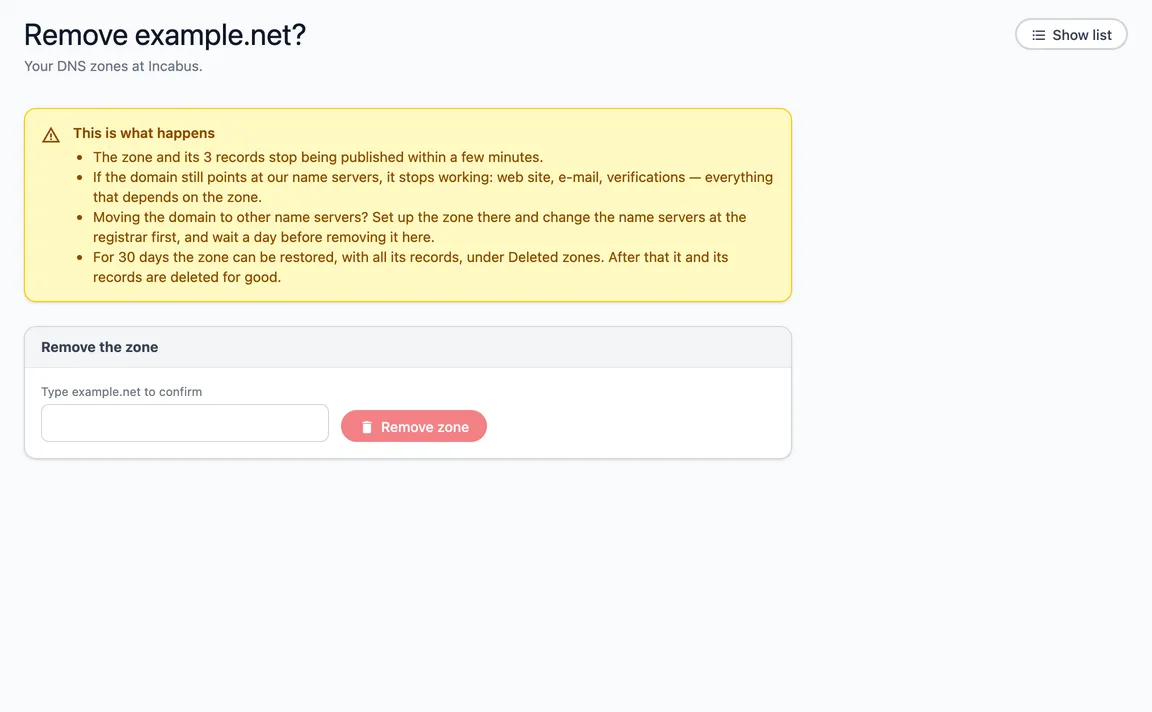
A zone is removed from DNS zones: with the bin on the zone’s row, or with tick boxes for several and Remove in the toolbar above the table. From the zone itself, Remove zone at the top right — on the zone’s page and under its settings — takes you to the same page. It says what will happen. It requires the administrator or owner role.
Before you remove
If the domain still points at our name servers, it stops working — web site, e-mail, verifications, everything that depends on the zone. The zone and its records stop being published within a few minutes.
Moving the domain to another provider? Set up the zone there and change the name servers at the registrar first. Then wait a day, so that other DNS servers have forgotten the old ones, before removing the zone here.
Remove
Type the zone’s name to confirm — or the number, when you remove several — and choose Remove zone. All are removed, or none.
Restore
A removed zone is kept for 30 days, with all its records, but is not published. Choose Deleted zones at the top right on DNS zones to see them: when each zone was removed, and when it is deleted for good.
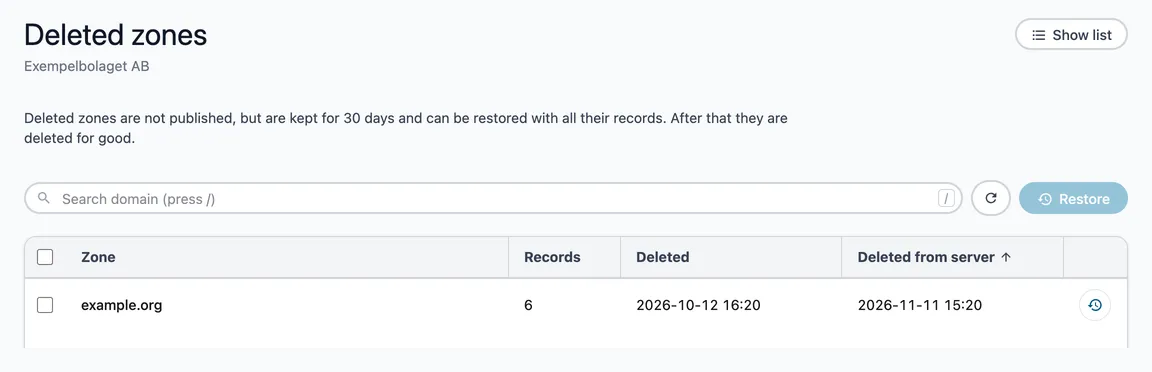
Choose Restore on a row, or tick several and choose Restore in blue above the table. The zone comes back as it was and is published again within a few minutes. After 30 days the zone and its records are deleted for good and cannot be brought back.
Good to know
- A removed zone is not invoiced.
- While the zone is among the deleted ones, the same domain cannot be added again — restore it instead.